
Help center
How can we help?
Step-by-step answers for setting up AllPaws and running your boarding, daycare or grooming business with it.

Browse by topic

Getting started
Set up your business, your online booking page and your team.
How do I get my business set up in AllPaws?
Use the Setup guide to work through your business details, hours, rooms, prices, groomers, vaccines, online booking and payments.
How does my online booking page work?
Set up and publish your booking page, see what customers can do on it, and approve or decline the booking requests they send.
How do I add staff and choose what they can do?
Invite your team by email, choose Staff or Admin, set each person’s permissions, and set up groomers and staff schedules.
Prices & services
Boarding, daycare and grooming prices, holidays and packages.
How do I set up boarding prices and room types?
Add room types and rooms, then boarding rates priced by room type and number of pets, with size prices and longer-stay discounts.
How do I set up holiday prices?
Charge more for boarding nights that fall on holidays, and close or limit drop-offs and pick-ups on the days you choose.
How do I set up daycare prices and packages?
Add daycare rates by the day, half day or hour, create passes such as 10 days of daycare, and sell and use package credits.
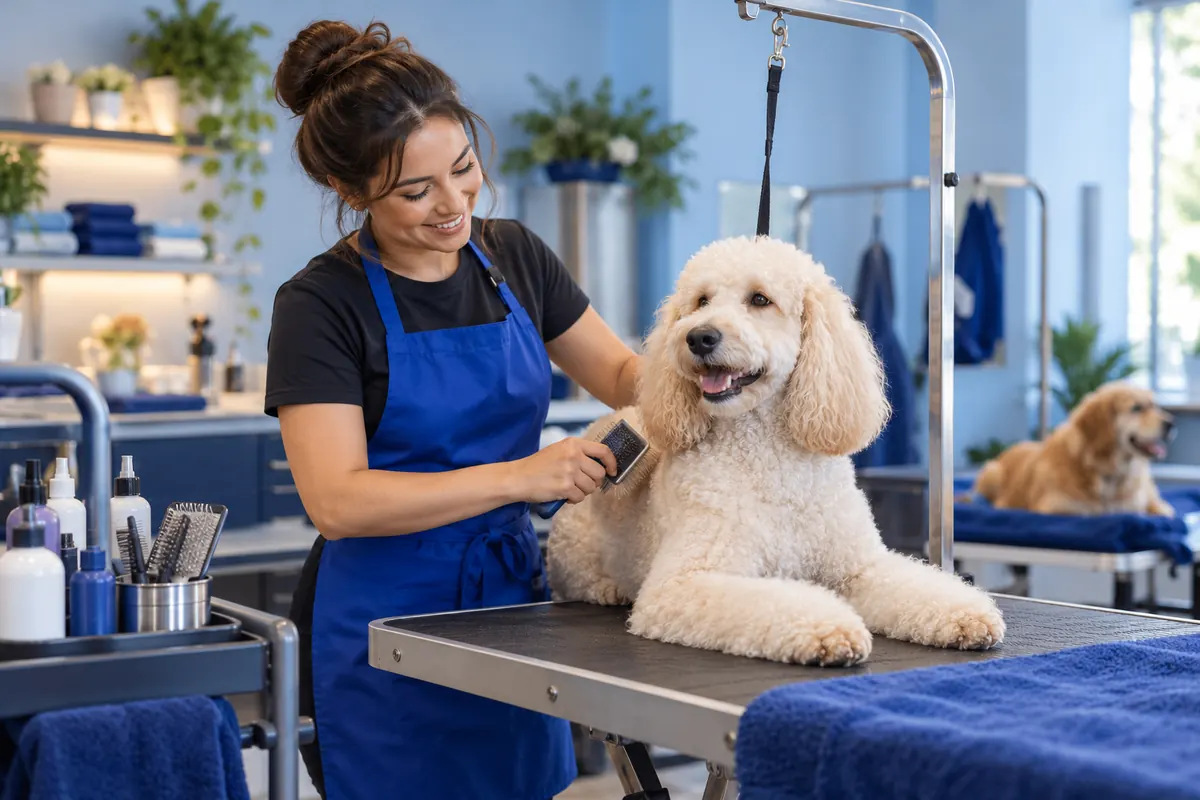
How do I set up grooming services, groomers and prices?
Add grooming services and upgrades with prices by size, breed, coat or groomer, set up your groomers and their shifts, and choose what customers book online.

Day to day
Bookings, check-ins and check-outs, texts and emails to customers, and your reports.
How do I make a reservation for a customer?
Book boarding, daycare or grooming for a customer: pick the pets, the dates, the room and rate or the groomer, then check the summary and book.
How do I check pets in and out?
Check pets in and out from the Dashboard, check in several daycare pets at once with In & Out, and undo a check-in or check-out.
How do I text customers and use AI-suggested replies?
Text customers from a shared inbox with the texting add-on, and use AI-suggested replies that your team checks and sends.
How do booking confirmations and reminders work?
Choose which emails customers get, edit their wording, set when the booking reminder goes, and turn on automatic texts with the texting add-on.
Which reports does AllPaws have?
What each report under Reports shows, from sales, cashflow and balances to grooming, pet counts and vaccines, and how to export them.

Vaccines & forms
Vaccine requirements and records, waivers, agreements and e-signatures.
How do I set vaccine requirements and keep records up to date?
Choose which vaccines each service requires, keep pets’ expiration dates up to date, review records customers send, and see what blocks check-in.
How do I create forms and collect e-signatures?
Build forms and waivers from a template, a blank form or your paper form, choose who signs them and when, and send links for e-signatures.

Payments & invoices
Invoices, card and cash payments, deposits, pay links and memberships.
How do invoices, payments, deposits and pay links work?
Turn charges into invoices, take card, cash and other payments, collect deposits, and text customers a link to pay. Card payments are optional.
How do memberships work?
Create membership plans with a weekly, monthly or yearly price, credits and member discounts, enroll customers, and see how renewals work.

Switching to AllPaws
Move your customers, pets and bookings from another system, free.
How do I switch to AllPaws from another system?
How our team moves your customers, pets and bookings into AllPaws for free, what each import brings across, and what to set up afterwards.
Intelligence and efficiency, built in
Put AllPaws to work for your business.
Book a demo and see how much of your day AllPaws can take off your team’s plate.